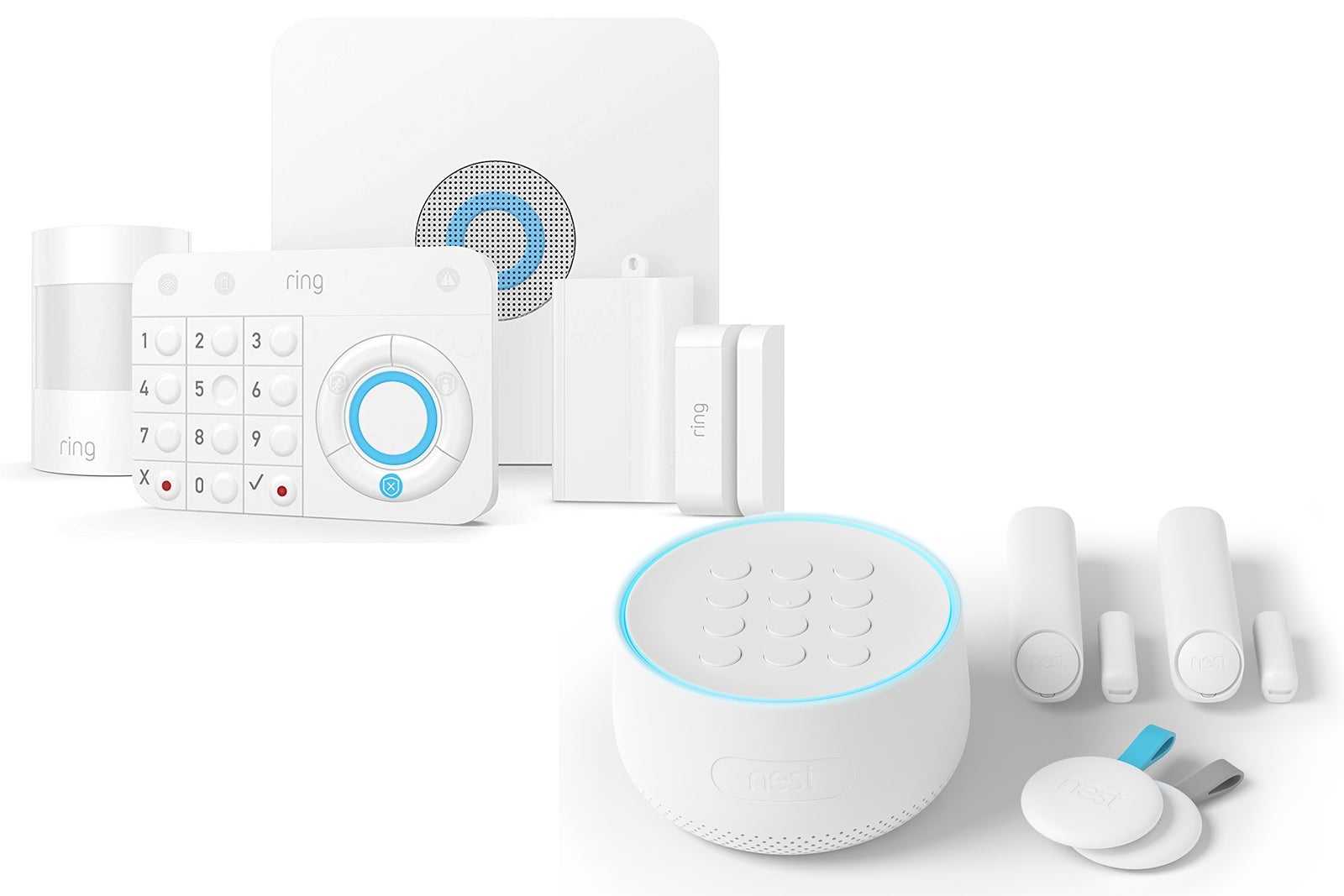
A Ring doorbell with 3 cameras and a Protect subscription costs about $500 upfront and $200 every year after that. Over 5 years, you pay $1,500. For video footage of your own front door. That is stored on Amazon’s servers. That Amazon employees can potentially access. That stops working the moment your internet goes down or Amazon decides to raise the subscription price (which they have done three times in the last four years).
Google Nest is not any better. Their cameras cost $100-180 each, the Aware subscription is $8-15 per month, and Google has a habit of discontinuing products. Remember the Nest Secure alarm system? Launched in 2017, killed in 2020, fully bricked in 2024. People spent $500 on hardware that is now e-waste.
Here is the alternative: a self hosted security camera system that costs less, records to your own storage, works without internet, and never charges a subscription fee. This article covers the five best options in 2026, with real prices for India and the US, honest pros and cons, and a camera buying guide at the end.
Why Self Host in 2026? Three Things That Changed
First: the hardware got cheap. A Raspberry Pi 5 costs Rs 7,500. A good 2K security camera costs Rs 1,800. A 1TB SSD costs Rs 4,800. You can build a four camera setup with AI detection and a week of continuous recording for about Rs 30,000 ($360). That is less than the cost of two Nest Cam Outdoors.
Second: the software got good. Frigate, Scrypted, and Home Assistant have matured to the point where a non-technical person can set them up by following a guide. The interfaces are clean, the mobile apps are responsive, and the AI detection is more accurate than what Ring offers — because you can tune it to your specific environment instead of relying on a one-size-fits-all model.
Third: privacy laws are catching up. India’s DPDP Act came into effect in phases, and the core principle is that companies must minimize data collection and give users control over their data. A camera system that uploads 24/7 footage of your home to a foreign server is… not aligned with that principle. Self hosting keeps your video on your property, under your control, accessible only by you. If law enforcement wants the footage, they need to come to you with a warrant, not send an email to Amazon’s legal department.
The Five Best Self Hosted Alternatives in 2026
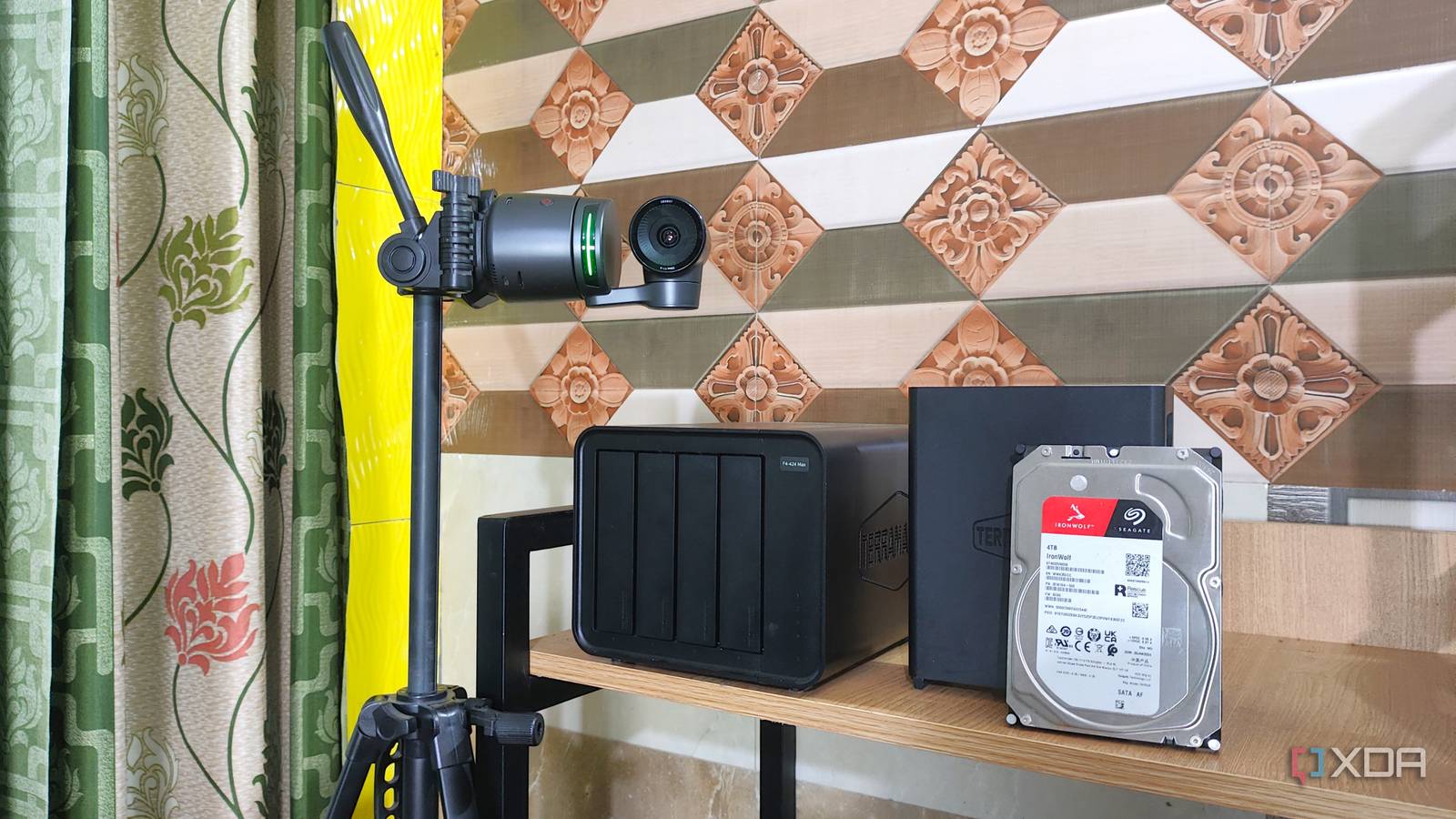
I tested all of these. Some on a Raspberry Pi, some on a mini PC, some in Docker on an old laptop. Here they are, ranked from best overall to best for specific use cases.
1. Frigate NVR — Best Overall (Free, Open Source)
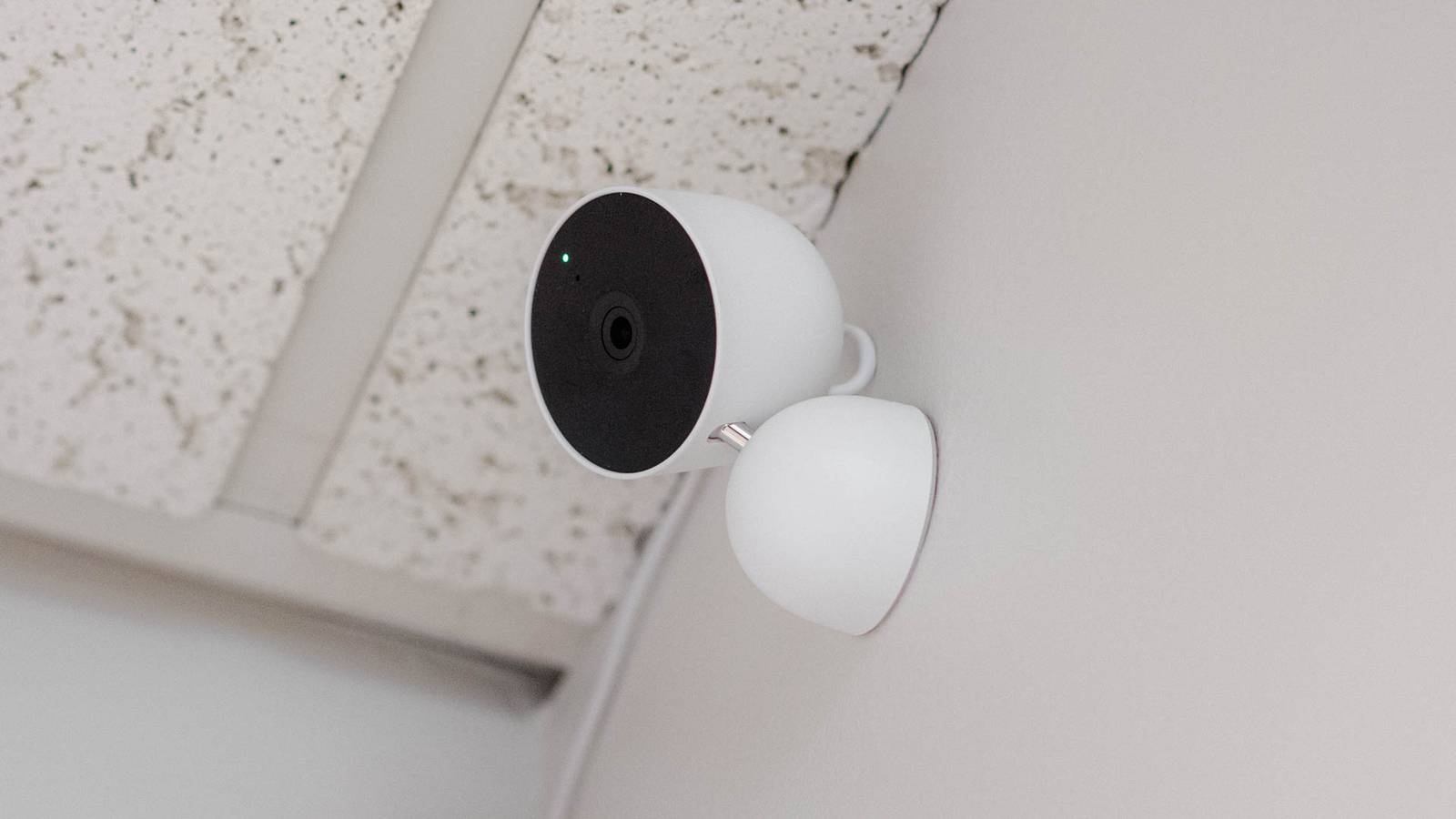
Price: Free (open source). Hardware: $300-400 (Rs 25,000-35,000) for a 4 camera setup including the server, Coral TPU, storage, and cameras.
What it does: Frigate takes RTSP streams from any IP camera and processes them locally. It detects people, cars, animals, packages using a Coral TPU (AI accelerator). It records 24/7 or on motion. It integrates deeply with Home Assistant for notifications, timeline view, and automations. The web UI is clean and responsive.
What is great: The AI detection is shockingly good once you tune it. I get maybe one false alert per week from a swaying tree branch. Ring sends me 15 false alerts every single day for the same tree. Frigate lets you set detection zones, minimum/maximum object sizes, and confidence thresholds. You can tell it “ignore anything in this corner of the frame” or “only alert me if a person lingers for more than 5 seconds.” This level of control means you actually pay attention to notifications instead of muting them.
What is not great: Setup requires technical comfort. You need to understand IP addresses, RTSP URLs, and YAML config files. It is not plug and play. The documentation is good but assumes you know what Docker is. I have a full step-by-step Frigate setup guide on this site that walks you through everything.
Best for: Anyone with a spare afternoon and a willingness to learn. Once it is running, it is running forever. My Frigate instance has been up for 120 days without a restart.
India hardware cost (4 cameras, Coral TPU, 1TB storage): Rs 39,000 (using Beelink N100 mini PC and Tapo C200 cameras) or Rs 25,000 (using a used mini PC and CP Plus cameras).
US hardware cost: $390 (Beelink N100 + Coral USB + 4x Tapo C200 + SSD).
2. Home Assistant + Frigate Integration — Best Whole-Home Solution (Free, Open Source)
Price: Free. Hardware: $350-450 (Rs 30,000-40,000) for a combined smart home hub and NVR.
What it does: Home Assistant is not itself an NVR. But when you combine it with Frigate (via the official integration), it becomes the best whole-home automation and security system you can buy for any amount of money. You get security cameras, smart lights, door sensors, motion detectors, climate control, and voice control — all in one dashboard, all locally controlled.
The killer feature: Cross-system automations. When Frigate detects a person at your front gate, Home Assistant can: send a notification with a snapshot to your phone, turn on the porch light, announce “Someone is at the door” on your Google Home speaker, and start recording on all outdoor cameras. Ring cannot do this unless you buy into the entire Ring ecosystem. With Home Assistant, your cameras do not care what brand your lights are. Frigate sees a person. Home Assistant tells the Wipro smart bulb to turn on. The bulb does not know or care that the camera is from TP-Link. Everything works together.
What is not great: This is the most complex option. You are running two systems (Home Assistant and Frigate) that need to be configured and maintained. It is worth it, but it is not a weekend project for someone who has never touched a command line.
Best for: The enthusiast who wants everything. If you are going to automate your lights, AC, and security anyway, do it all at once on one machine.
India hardware cost: Rs 42,000 (Beelink N100 with 16GB RAM, Coral TPU, Zigbee dongle, 4x Tapo C200, 2x Wipro smart plugs, 3x Aqara sensors).
US hardware cost: $430 (same as above with US pricing on cameras).
3. Scrypted — Best for Apple HomeKit Users (Free / Paid Tiers)
Price: Free for basic use. Scrypted NVR is $40/year or $4/month for advanced recording features.
What it does: Scrypted bridges any IP camera (RTSP/ONVIF) into Apple HomeKit Secure Video (HSV). Your $20 Tapo camera shows up in the Apple Home app as if it were a native HomeKit camera. It supports HKSV recording, which means your footage is stored in your iCloud account (if you have an iCloud+ subscription — Rs 75/month for 50GB in India, $0.99/month in the US).
What is great: If you are already in the Apple ecosystem, this is the smoothest path. You open the Home app on your iPhone, iPad, or Mac and your cameras are there. Face recognition, activity zones, and rich notifications all work natively. You do not need a separate app. You do not need to configure notifications. Apple handles the secure remote access through your home hub (Apple TV or HomePod).
What is not great: You need an Apple home hub (Apple TV 4K: $129 / Rs 14,900, or HomePod Mini: $99 / Rs 10,900) to use HomeKit Secure Video. You need an iCloud+ subscription. And you are limited to HKSV’s 10 day recording retention. Also, Scrypted runs best on a dedicated device — a Raspberry Pi 4 or a Docker container. It is not as lightweight as the documentation suggests.
Best for: iPhone users who want the Apple-native experience with cheap non-HomeKit cameras.
India hardware cost: Rs 17,000 (Raspberry Pi 4 + 128GB SSD + 4x Tapo C200). Plus Rs 10,900 for a HomePod Mini if you do not already have an Apple home hub. Plus Rs 75/month for iCloud+.
US hardware cost: $175 (Raspberry Pi 4 + SSD + 4x Tapo C200). Plus $99 for HomePod Mini. Plus $0.99/month for iCloud+.
4. ZoneMinder — Best for 10+ Cameras (Free, Open Source, Linux Only)
Price: Free. Hardware depends on camera count.
What it does: ZoneMinder has been around since 2002. It is the grandfather of open source NVRs. It handles practically any camera over any protocol (RTSP, ONVIF, MJPEG, even old analog capture cards). It has motion detection zones (hence the name), event filtering, and can scale to 50+ cameras on a decent server.
What is great: If you are setting up cameras for a business, a large property, a farm, a warehouse, or an apartment building — ZoneMinder scales better than anything else on this list. It supports multi-server setups. You can have one server handling recording and another handling the web interface. It runs on any Linux distribution. It is battle tested. The documentation is comprehensive (if dated).
What is not great: The interface looks like it is from 2008 (because it is). The learning curve is steep. Motion detection is pixel-based (not AI), which means false alerts from shadows, headlights, and trees are constant unless you spend hours tuning zones. There is an Event Server with AI object detection using a Coral TPU, but it is a separate component that needs additional setup. ZoneMinder is powerful but it is not user friendly.
Best for: Large installations where camera count matters more than AI detection. Also good for anyone with existing analog cameras and a capture card — ZoneMinder still supports these while most modern NVRs do not.
India note: If you run a business in India and need a surveillance system for a shop, godown, or office, go to a local Dahua/Hikvision dealer and get a hardware NVR. It costs Rs 8,000-15,000 for an 8 channel unit and just works. ZoneMinder is for when you have 20+ cameras across multiple locations and need centralized management. For a home setup with 4-8 cameras, Frigate is better.
5. Blue Iris — Best Windows All-in-One ($80 One-Time, Windows Only)
Price: $79.95 one-time (full version), $34.95 (LE version for one camera).
What it does: Blue Iris is the most polished self-hosted NVR you can buy. It runs on Windows. It supports pretty much every camera ever made. It has AI object detection (via CodeProject.AI or DeepStack), alerting, remote viewing via a mobile app ($10 extra), and a genuinely good web interface.
What is great: If you are a Windows user and the thought of setting up Docker on Linux makes you uncomfortable, Blue Iris is your answer. Install it like any Windows program. Add cameras by entering their IP addresses. The motion detection is good out of the box and excellent when paired with AI. The timeline view is smooth. The mobile app (Blue Iris app, $10 on iOS/Android) streams cameras with low latency.
What is not great: It is $80. It only runs on Windows, so you need a dedicated Windows machine running 24/7, which uses more power than a Linux mini PC. The UI has a ton of options and the settings panels can be overwhelming. Some features that should be built in (like the mobile app) cost extra. And it is closed source — you cannot verify what the software is doing with your video feed.
Best for: Windows users who want the easiest path to a self-hosted NVR and do not mind paying $80 for it. Also good for integrating with existing Windows based home servers.
India note: Blue Iris works perfectly with Indian market cameras (Dahua, Hikvision, CP Plus). The one-time $80 license (about Rs 6,700) is reasonable. But factor in the cost of a Windows license if you do not already have one. A used Dell Optiplex with Windows 10 costs Rs 8,000-12,000 on OLX. Add Blue Iris ($80) and 4 CP Plus cameras (Rs 6,000 total). Total: roughly Rs 22,000. Not bad.
Quick Comparison Table
| Feature | Frigate | HA + Frigate | Scrypted | ZoneMinder | Blue Iris |
|---|---|---|---|---|---|
| Price (software) | Free | Free | Free / $40/yr | Free | $80 one-time |
| AI Object Detection | Yes (Coral TPU) | Yes (Coral TPU) | Yes (via Apple) | Optional (add-on) | Yes (CodeProject.AI) |
| Platform | Docker / HA OS | Docker / HA OS | Docker / Linux | Linux | Windows only |
| Setup Difficulty | Medium | Hard | Medium | Hard | Easy |
| Mobile App | Via HA / Web UI | Via HA app | Apple Home app | zmNinja | $10 extra |
| Max Cameras (practical) | 8 | 8 | 10 (HKSV limit) | 50+ | 64 |
| Remote Access | Tailscale/Nabu Casa | Tailscale/Nabu Casa | Apple Home Hub | VPN/port forward | Built-in / VPN |
| India HW Cost (4 cams) | Rs 25,000-39,000 | Rs 30,000-42,000 | Rs 17,000 | Rs 20,000+ | Rs 22,000+ |
Which Cameras Should You Actually Buy?
A self-hosted NVR is useless without cameras. Here is the camera guide, optimized for both markets:
| Use Case | Camera | US Price | India Price + Where to Buy |
|---|---|---|---|
| Indoor, budget | TP-Link Tapo C200 | $25 | Rs 1,799 (Amazon India, Flipkart) |
| Indoor, 2K | Tapo C210 | $30 | Rs 2,399 (Amazon India) |
| Indoor, PTZ 2K | Tapo C225 | $35 | Rs 2,999 (Amazon India) |
| Indoor, ultra budget | CP Plus ezykam 1080p | N/A | Rs 1,299 (Flipkart) |
| Outdoor, WiFi | Reolink Argus PT Ultra | $90 | Rs 7,000-9,000 (Amazon India, inflated) |
| Outdoor, PoE, 4K | Reolink RLC-810A | $85 | Rs 8,000-10,000 (Amazon India) |
| Outdoor, PoE, budget | Dahua IPC-HDW2431T (4MP) | $55 | Rs 3,500-4,500 (local CCTV shops) |
| Outdoor, WiFi, budget | TP-Link Tapo C500 | $40 | Rs 3,299 (Amazon India) |
| Doorbell | Reolink Video Doorbell PoE | $100 | Rs 10,000+ (limited India availability) |
| Doorbell, budget | TP-Link Tapo D230S1 | $60 | Rs 5,999 (Amazon India) |
The Tapo C200 at Rs 1,799 is the best value camera in India by a significant margin. It does 1080p, has RTSP, has a microSD slot, has night vision, and costs less than a family pizza. Buy four of these and you have covered the front door, back door, living room, and garage for Rs 7,200 total. In the US, the same camera is $20-25, which is equally absurd value.
For outdoor cameras in India, skip Amazon if you can. Go to your city’s electronics market. Lamington Road in Mumbai, SP Road in Bangalore, Ritchie Street in Chennai, Nehru Place in Delhi, CTC in Hyderabad. Walk into any CCTV shop and ask for a Dahua 4MP IP turret camera with ONVIF support. You will pay Rs 3,500-4,500 instead of Rs 7,000+ online. These are genuine products, not copies, because Dahua has official distribution in India. The shop will also sell you PoE injectors, junction boxes, and CAT6 cables at wholesale prices.
The 5 Year Cost Comparison: Ring vs Self-Hosted
Let me put numbers on this. Here is what a 4 camera setup costs over 5 years:
| Cost Item | Ring (US) | Ring (India equiv.) | Self-Hosted (US) | Self-Hosted (India) |
|---|---|---|---|---|
| Hardware upfront | $500 | Rs 55,000 (import) | $390 | Rs 25,000 |
| 5 years subscription | $1,000 ($200/yr) | Rs 54,000 (~Rs 900/mo) | $0 | Rs 0 |
| Electricity (5 years) | $30 | Rs 2,500 | $75 | Rs 6,000 |
| Storage (replacement) | $0 (cloud) | Rs 0 | $55 (SSD) | Rs 4,800 |
| 5 YEAR TOTAL | $1,530 | Rs 1,11,500 | $520 | Rs 35,800 |
The self-hosted setup saves about $1,000 over 5 years in the US, and about Rs 75,000 in India. And that is the budget self-hosted option. If you buy the premium setup (Beelink N100 + Reolink 4K PoE cameras + Coral TPU), you still only spend about $650-700 total (Rs 50,000-60,000) over 5 years — still less than Ring’s subscription fees alone.
And here is what the math does not capture: the self-hosted setup has better video quality (4K vs Ring’s 1080p), lower latency (local network vs cloud round-trip), works when the internet is down, and your footage is not sitting on Amazon’s servers. Even if the cost were identical, I would pick self-hosted for those reasons. The fact that it is cheaper is just a bonus.
Where to Buy in India (Beyond Amazon and Flipkart)
Amazon India’s pricing on niche hardware like Raspberry Pi, Coral TPU, and Reolink cameras is often inflated by 30-50% because most stock comes from third-party importers. Here are the stores that Indian self-hosting enthusiasts actually use:
- Robu.in — Raspberry Pi, Sonoff, sensors, cables. Best pricing on Pi in India. Ships from Pune within 3-5 days. Their packaging is excellent.
- Thingbits.net — IoT and electronics components. Good for Zigbee modules and sensors.
- Fabtolab.com — Sells Coral TPU when they have stock. Also has Raspberry Pi and Arduino boards. Prices are slightly higher than robu.in but they carry harder-to-find items.
- Thinkrobotics.com — Raspberry Pi, LiPo batteries, robotics parts. Reliable shipping.
- Silverlineelectronics.in — Embedded computing and industrial components. Good source for Coral M.2 modules when available.
- Local CCTV shops (Lamington Road Mumbai, SP Road Bangalore, Nehru Place Delhi, Ritchie Street Chennai, CTC Hyderabad) — Dahua and Hikvision cameras at wholesale prices. Bring cash. Negotiate. Ask for a GST bill if you need one.
- OLX India — Used mini PCs, old laptops, second-hand networking gear. Search for “Dell Optiplex,” “Lenovo ThinkCentre,” or “HP EliteDesk.” These corporate cast-offs make perfect Frigate servers. Pay Rs 5,000-8,000 for an i5 6th gen with 8GB RAM.
My Recommended Starter Path
If you are reading this and want to start this weekend, here is exactly what to do:
- Buy the hardware: One Raspberry Pi 5 (8GB) from robu.in (Rs 7,500), one Samsung Pro Endurance 128GB microSD (Rs 1,400), one Tapo C200 camera (Rs 1,799). Total: Rs 10,699.
- Install Home Assistant: Follow my step-by-step guide (linked in the previous post on this site). Takes about 30 minutes.
- Install the Frigate add-on: In Home Assistant, Settings > Add-ons > Add-on Store > Frigate. Install. Takes 5 minutes.
- Enable RTSP on your Tapo camera: Open the Tapo app, go to camera settings > Advanced Settings > Camera Account, create a username and password.
- Add the camera to Frigate: Copy the RTSP URL, paste it into Frigate’s config, restart Frigate.
- Done. You now have a self-hosted security camera with AI person detection, recording to your own storage, accessible from anywhere via Tailscale, for a one-time cost of Rs 10,700. That is less than half the price of a single Nest Cam Outdoor with 2 years of Nest Aware.
Then, when you are ready, add more cameras. And more. And suddenly you have a 6 camera setup that cost less than a Ring Alarm system and works better in every measurable way.
Final Thoughts
Self hosting your security cameras used to be a hobby for people who ran Linux servers in their basement. In 2026, it is a legitimate alternative to Ring and Nest for anyone who can follow a guide. The software is mature. The hardware is cheap. The savings are real. And the privacy benefit — knowing that video of your family walking through your front door is not sitting on a server you do not control — is hard to put a price on.
Is it more work than plugging in a Ring camera and scanning a QR code? Yes. Is it worth it? Absolutely. You spend one afternoon setting it up and then you never think about it again. Meanwhile, Ring subscribers get an email every year informing them the price went up by another $10.
If you have questions about specific cameras, hardware recommendations, or you are stuck somewhere in the setup process, leave a comment. I have probably messed up that exact thing before and can save you the trouble.
Product links (India):
- TP-Link Tapo C200: Amazon India | Flipkart
- Raspberry Pi 5 8GB: Robu.in
- Sonoff Zigbee Dongle Plus: Amazon India
- Coral USB TPU: Fabtolab (check stock) | Robu.in
- Crucial BX500 1TB SSD: Amazon India
- Samsung Pro Endurance 128GB microSD: Amazon India
- Dahua 4MP Turret (local): Visit SP Road Bangalore / Lamington Road Mumbai / Nehru Place Delhi
Product links (US):
- Beelink Mini S12 Pro: Amazon US
- Coral USB TPU: Amazon US | Mouser
- Reolink RLC-810A: Amazon US
- TP-Link Tapo C200: Amazon US
- Home Assistant Green: Amazon US